Getting Back to Work: Simple Posture and Movement Tips for the Fall

Getting Back to Work: Simple Posture and Movement Tips for the Fall

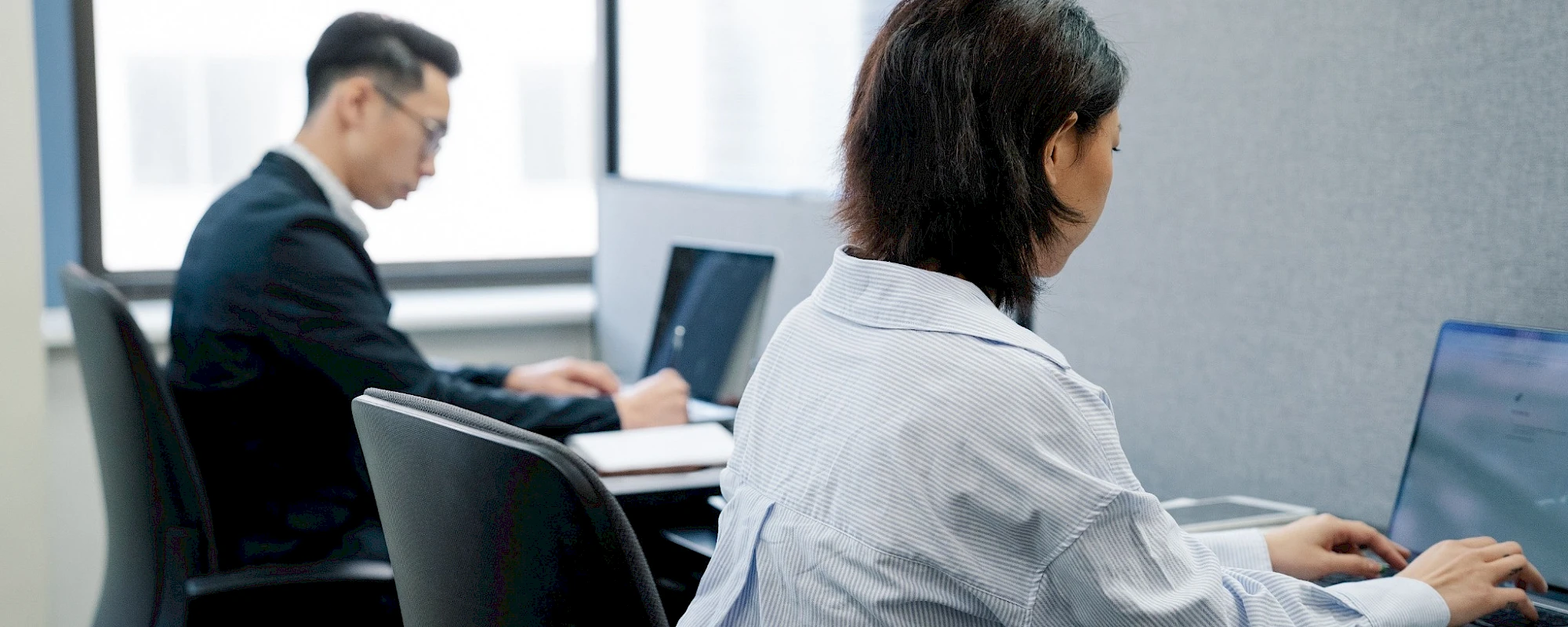
As summer comes to an end, many students and workers are getting back into a regular routine. For some, that means spending significantly more time sitting at a desk, studying, commuting, or working on a computer.

If your body has become accustomed to being more active over the summer, suddenly spending several hours a day seated can leave you feeling stiff, sore, or fatigued.

The good news is that you do not need perfect posture to stay comfortable at work. Instead, think about creating a workspace that supports you and giving your body regular opportunities to move.

Why Can Sitting Start to Feel Uncomfortable?

Sitting itself is not necessarily harmful. The problem is often spending too much time in the same position without enough movement or variation. When you sit for extended periods, certain muscles and joints are held in relatively fixed positions. Your hips remain flexed, your spine stays relatively stationary, and your shoulders and neck may remain in one position while you work. Over time, this can contribute to muscle fatigue, joint stiffness, and increased sensitivity to normal physical stress.

Your body is designed to move. It generally responds better to changing positions throughout the day than trying to maintain one "perfect" posture for hours.

Set Up Your Workspace

A few simple changes can make your workstation more comfortable.

Screen: Try to position your monitor so you are not constantly looking down or turning your head to one side.

Chair: Your chair should allow you to sit comfortably with your feet supported and your hips and knees in a comfortable position.

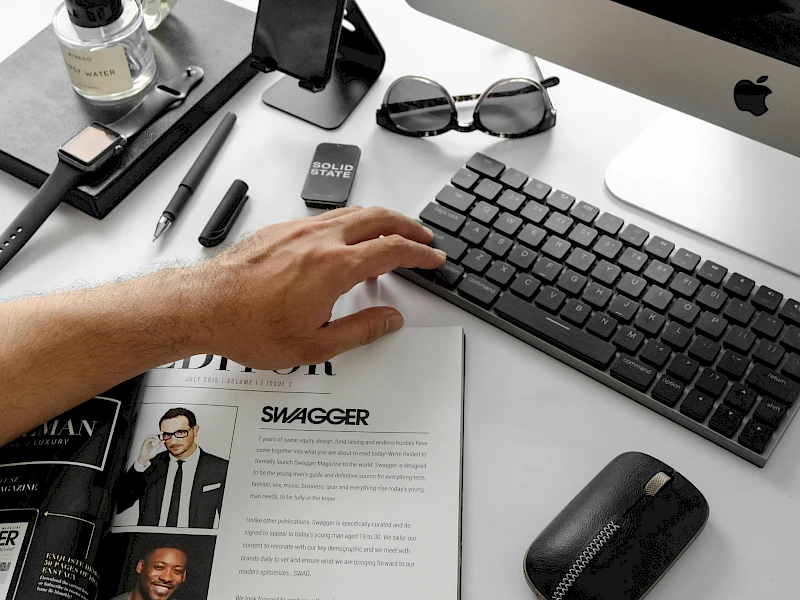
Keyboard and mouse: Keep them close enough that you do not have to constantly reach forward.

Laptop: If you use a laptop for long periods, consider using a separate keyboard and mouse with the screen raised to a more comfortable height.

Lighting: Reduce glare and make sure your workspace is well lit so you are not constantly squinting or leaning toward the screen.

The Most Important Tip: Move More Often

You can have an excellent workstation and still feel uncomfortable if you stay in the same position for hours.Instead, try to build small amounts of movement into your workday. Stand up when you can, take walks between tasks, change your sitting position, stretch your legs, and move your neck and shoulders. Even brief movement breaks can help reduce the amount of time your body spends in one position. You don't need a complicated stretching routine every hour. The goal is simply to avoid being completely stationary for long periods.

And Keep on Moving Outside of Work

Your workday is only one part of the equation. Regular physical activity can help you build the capacity to tolerate the demands of sitting, standing, lifting, commuting, and working at a computer.

Walking, resistance training, recreational sports, cycling, hiking, and other activities can all contribute to keeping your body strong and adaptable. The goal is not to undo sitting with one workout. It is to build movement into your entire day

Pay Attention to Early Warning Signs

Your body will often give you clues before a problem becomes significant. Some things to pay attention to include:

  • Increasing neck or shoulder tension
  • Low back stiffness after sitting
  • Headaches that develop during computer work
  • Tingling or discomfort in your arms or hands
  • Hip stiffness after prolonged sitting
  • Feeling increasingly fatigued as the workday progresses

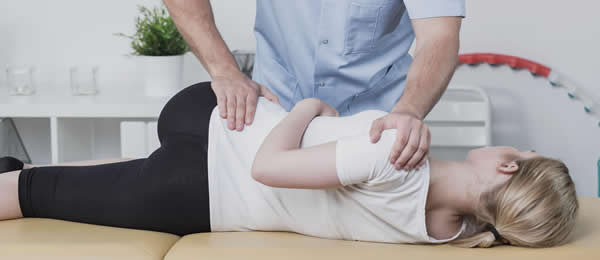
These symptoms do not automatically mean there is an injury. They can simply be signs that your current workload, workstation, or movement habits need some attention. Your chiropractor can assess your body, provide a personalized exercise plan, and advise on how to best set up your workstation for your specific needs.

This website is using cookies
These include essential cookies that are necessary for the operation of the site, as well as others that are used only for anonymous statistical purposes.
This website is using cookies
These include essential cookies that are necessary for the operation of the site, as well as others that are used only for anonymous statistical purposes.
Your cookie preferences have been saved.